
Export PST to MBOX
MailRelic converts the folders in a PST file to MBOX on Windows. Each folder becomes one .mbox file, and the files are arranged in the same folder structure as the archive. MBOX export is part of MailRelic Personal.
How to export
- Open the PST in MailRelic.
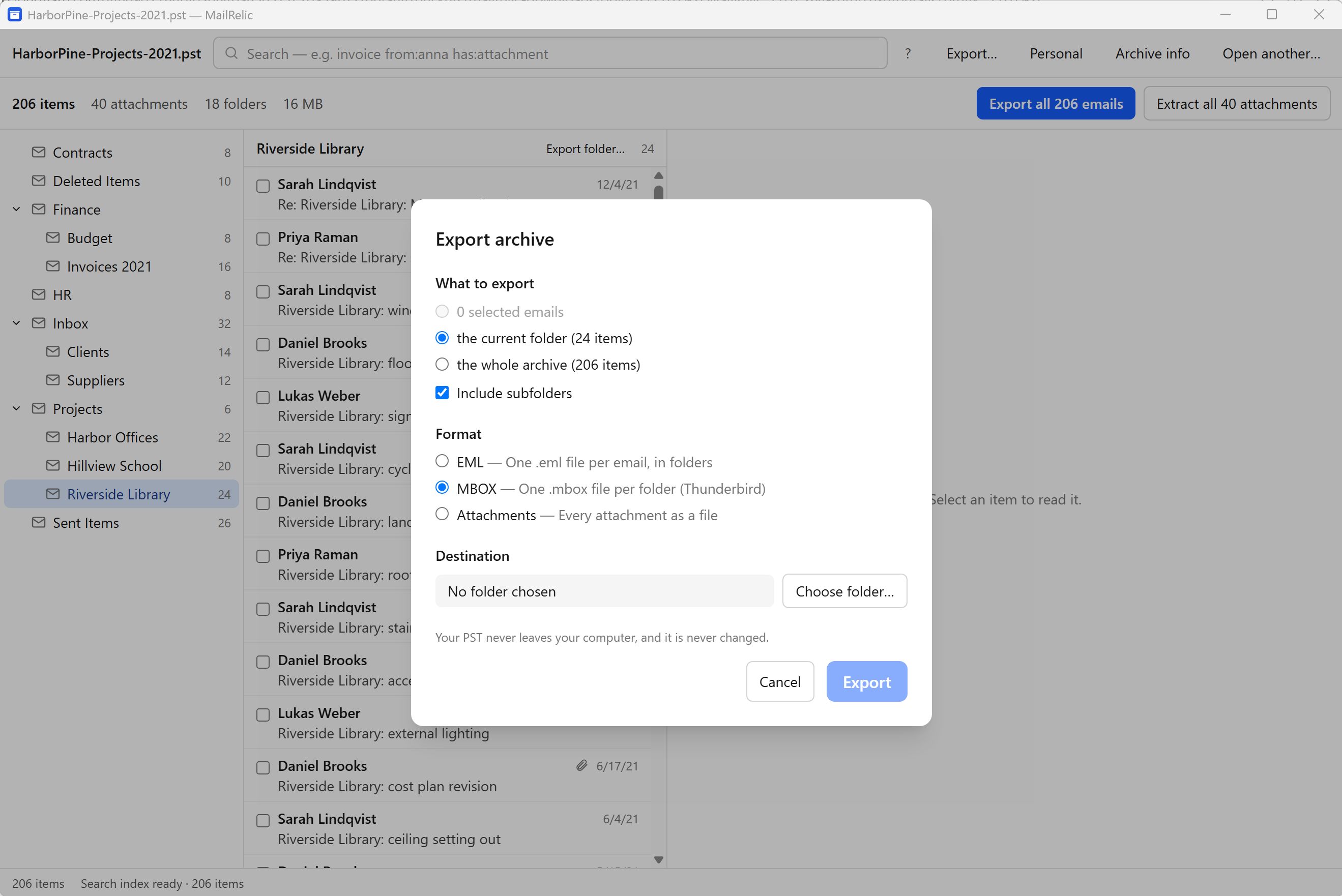
- Choose what to export: Export all emails in the archive summary for the whole archive, Export folder… above the message list for one folder, or select messages and export the selection.
- In the Export dialog, choose MBOX and a destination folder.
The free download can open the PST and show every folder, so you can check the archive before buying.
What the MBOX files contain
Each message in an .mbox file has the same content as MailRelic's EML export: headers, HTML and plain-text bodies, attachments and inline images. Lines in a message body that begin with "From " are escaped, as the MBOX format requires, so mail programs do not split one message into two.
The folder a message came from is kept as the file name and location of its .mbox file. Items that are not email, such as contacts, are exported with a warning. A report and a manifest are written next to the .mbox files.
Using the files in Thunderbird
Thunderbird can import .mbox files. The steps are on moving PST email to Thunderbird.